
Attach Documents to Requirements
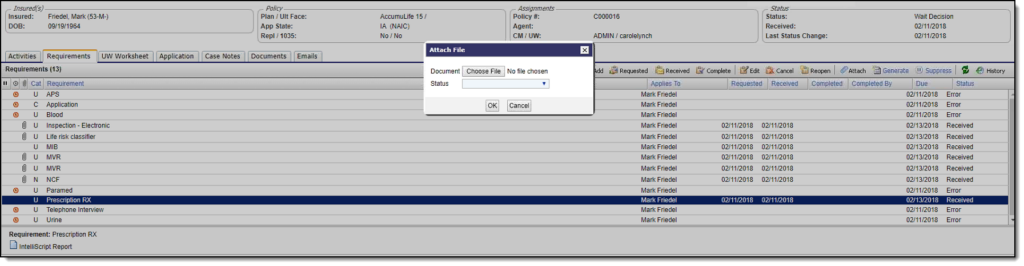
Users can attach documents, such as a PDF, or references to documents, such as a URL, to a specific case requirement. In applicable cases, the system will automatically attach the supplied file or URL to the matching requirement. Documents are matched to requirements based on data about the type of requirement (e.g., HIPAA Authorization), and the relevant party or policy (e.g., policy number or SSN). Any files/URLs that cannot be matched will be assigned to a document queue for manual indexing.
Document Requirement Statuses
When a document is attached to a requirement, the requirement status is set to “Received” and the document’s status is set to “Not Reviewed.” Typically, guidelines will be defined to trigger a workflow assignment in response to the document being received.
