
Customize Forms Search Options
The search options that display within the Forms engine can be customized by defining the search types available and search field wording.
Search types correspond to the tabs that display at the top of the Forms engine. Users can choose to display any, or all, of the following search types.
- Basic Search
- Advanced Search
- Document Search
- iGO Forms
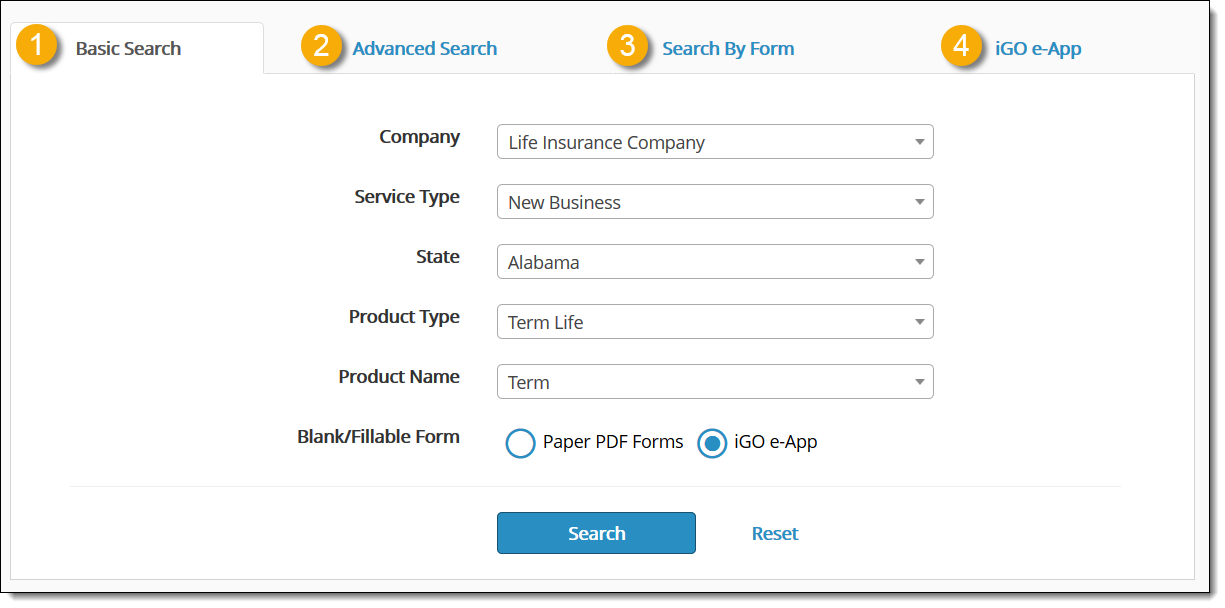
Additionally, the search field wording for each of the enabled search types can be altered, if necessary. Alternatively, users can choose to use the default search labels.
These search form changes can be made within the iService administrative tool. For additional information, see our article on how to customize forms search options.
